New Zenler Mobile App for Courses and Communities
 David Zenler
Learn how the New Zenler mobile app helps students access courses, lessons and communities on the go, and when a branded app may be useful.
New Zenler Mobile App for Online Courses and Communities
With the Zenler App, Your Students Can:
Access all their Zenler sites on the go - mobile or tablets.
Quick answer: how does the New Zenler app help an online business?
The New Zenler app helps students access courses, communities, discussions, progress, and notifications from mobile devices. For creators, that can improve engagement because students can return to learning and community activity without waiting until they are at a desktop.
Mobile availability and branded app options can depend on the current plan and add-ons, so always check the live New Zenler pricing and features pages for the latest plan details.
Access your site and courses on the go.
Save progress so that they can pick up where they left off.
Search for content.
Interact with Community and Lesson discussions.
Get Push message notifications for updates in Community and Lesson discussions.
Mobile App Controls for Site Admins
New Mobile App menu on admin dashboard under Site menu.
New Branding menu on the admin dashboard to control your mobile App branding.
New Push Notifications menu on the admin dashboard for you to send announcements to all students, students in a particular course, or to some specifically.
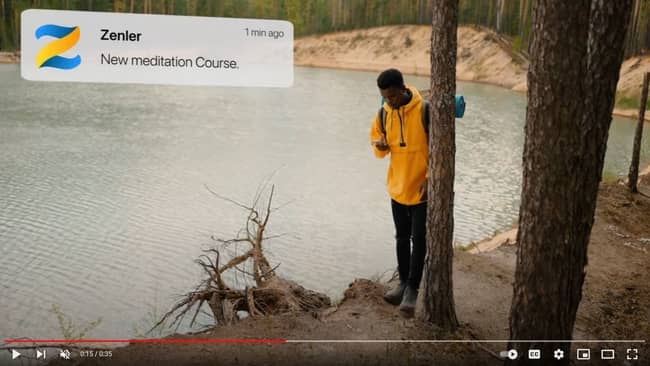
Push notifications can help students notice important course, community, and discussion updates on mobile.
🚀 Instructors have seen significant growth in community engagement since students started using the Zenler App.
Related New Zenler mobile and engagement guides
- New Zenler pricing and mobile app plan details
- New Zenler features
- How a single community area works in New Zenler
- Why live streaming inside your community changes engagement
FAQ
What is the New Zenler mobile app used for?
The New Zenler mobile app helps students access course content, lessons and communities from their mobile device, making learning easier outside the desktop experience.
Do course creators need their own branded app?
Not always. Many creators can use the Zenler app for student access, while creators who need their own branded app can contact Zenler support to discuss options.
How does a mobile app help an online course business?
A mobile app can improve convenience, learning consistency and community participation by letting students return to course content and conversations more easily.
Categories: : Zenler Tutorials
Copyright © 2026 Zenler. All rights reserved.
Terms | Privacy Policy | Cookie Policy | Support
