Course Creation and Business Success Blog

Learn which online course analytics to track after launch, including traffic, opt-ins, sales, email clicks, lesson progress, video drop-off ...

Improve course completion with a practical 7-day student onboarding sequence using welcome emails, first wins, community prompts and ...
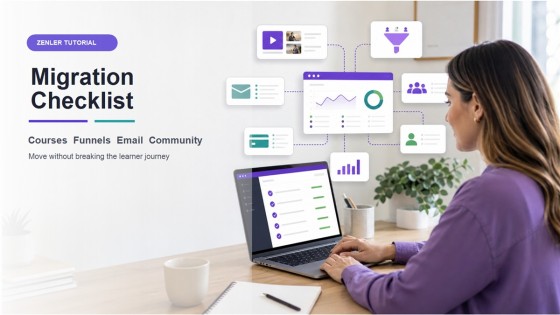
Use this practical migration checklist to move courses, funnels, email, community, payments and students into New Zenler without disrupting ...

Build a creator business operating system with content, courses, community and offers connected through funnels, email, automations and ...
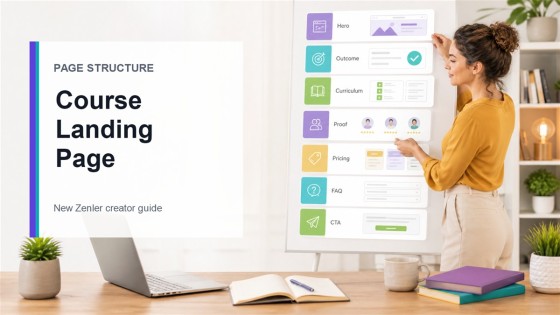
Learn the best course landing page structure for creators, with a practical New Zenler page builder example covering hero, proof, ...

Repeated student questions are a useful signal for course updates. Learn how to turn FAQs into clearer lessons with AI support.
Copyright © 2026 Zenler. All rights reserved.
Terms | Privacy Policy | Cookie Policy | Support